Tech Support

Tech support for Memphis homes and small businesses. Clear fixes for computers, networks, software, and devices—fast, friendly help from a local tech who shows up.

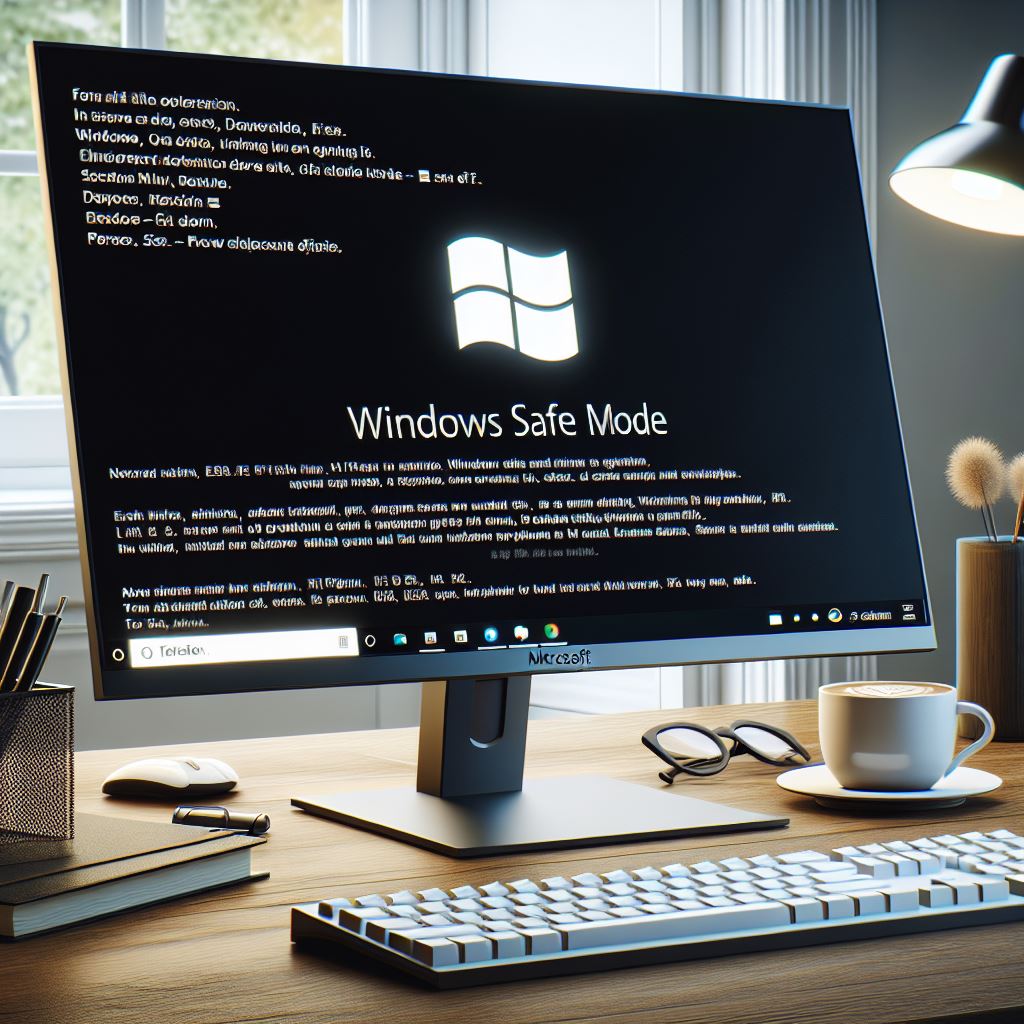
windows safe mode shown on monitor
Tech Support

How to Enter Safe Mode in Microsoft Windows

How to Enter Safe Mode in Windows 7, 10, and 11 To enter Safe Mode in Windows 7, restart your computer and press the F8 key repeatedly before the Windows logo appears. Select “Safe Mode” from the Advanced Boot Options menu. For Windows 10 and 11, you can enter Safe Mode by pressing the Shift

shielded monitor surrounding by various symbols of malware spyware, adware etc
Tech Support

How to Remove a Computer Virus or Malware/Adware

How to Remove a Computer Virus or Malware/Adware Dealing with a computer virus or malware can be daunting. While it’s possible to tackle the issue yourself, sometimes it’s safer to call in a professional. An onsite tech has the necessary programs and experience to handle the situation effectively, minimizing the risk of further damage. If

system requirements and installing deepseek r1 on local pc
Tech Support

How to Install DeepSeek R1 on a Local PC

How to Install DeepSeek R1 on a Local PC DeepSeek R1 is a powerful AI model designed for local use, ensuring privacy and control over your data. This guide will walk you through the installation process and outline the hardware requirements. Hardware Requirements Operating System: Windows 10 or later, macOS, or Linux CPU: Intel i5

Scroll to Top