
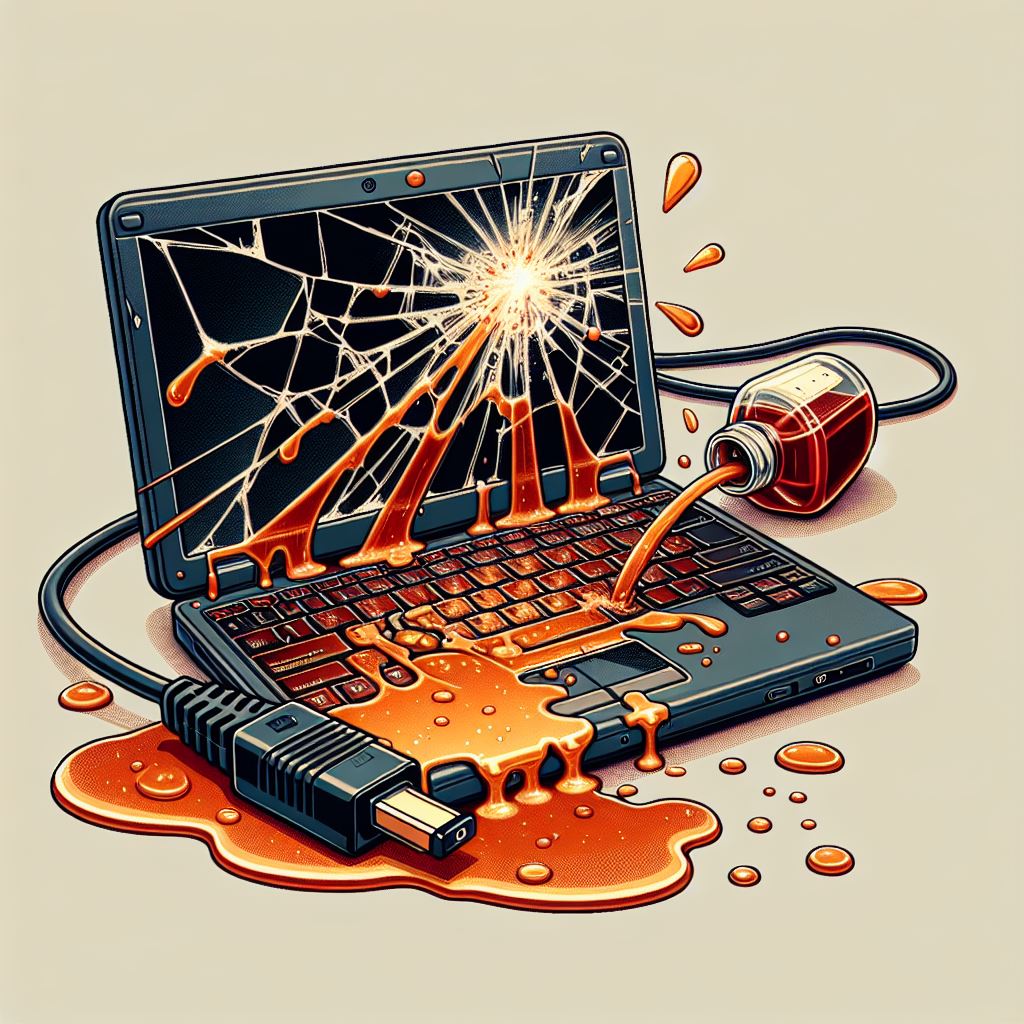
laptop with broken screen, syrup on keyboard overheating bad dc-jack
Laptop Repairs

5 Signs Your Laptop Needs Repair

Is your laptop acting up? It might be time for a repair. Here are five signs that your laptop needs some professional attention: 1. Slow Performance If your laptop is running slower than usual, it could be due to a variety of issues such as malware, insufficient RAM, or a failing hard drive. Don’t ignore […]
repaired laptop memphis pc guy
Laptop Repairs

Expert Advice on Laptop Repair Issues

Expert Laptop Repair Services in Memphis Is your laptop running slow, or do you need hardware replaced or upgraded? Look no further! At Memphis PC Guy, we offer professional laptop repair services in Memphis tailored to your needs. Common Laptop Issues We Fix: Slow Performance: Over time, laptops can become sluggish due to software bloat,

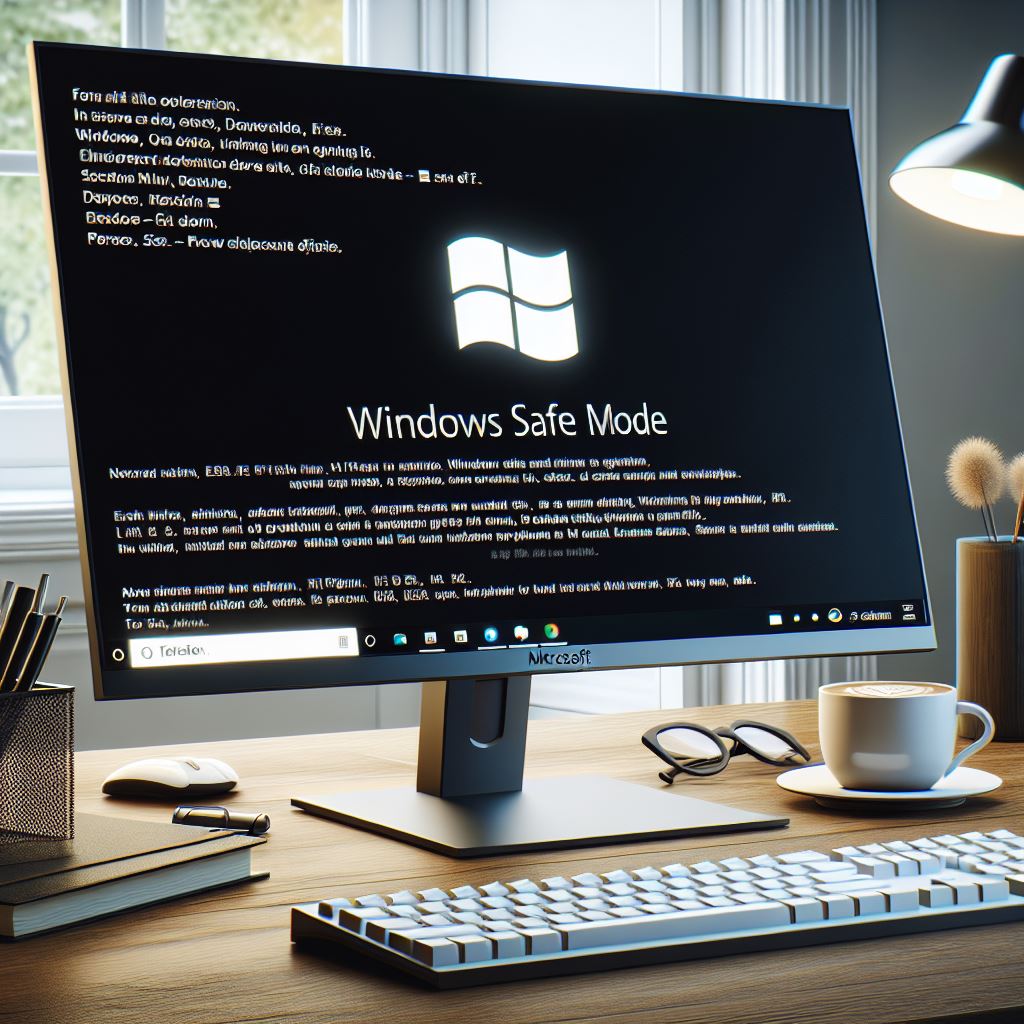
windows safe mode shown on monitor
Tech Support

How to Enter Safe Mode in Microsoft Windows

How to Enter Safe Mode in Windows 7, 10, and 11 To enter Safe Mode in Windows 7, restart your computer and press the F8 key repeatedly before the Windows logo appears. Select “Safe Mode” from the Advanced Boot Options menu. For Windows 10 and 11, you can enter Safe Mode by pressing the Shift

shielded monitor surrounding by various symbols of malware spyware, adware etc
Tech Support

How to Remove a Computer Virus or Malware/Adware

How to Remove a Computer Virus or Malware/Adware Dealing with a computer virus or malware can be daunting. While it’s possible to tackle the issue yourself, sometimes it’s safer to call in a professional. An onsite tech has the necessary programs and experience to handle the situation effectively, minimizing the risk of further damage. If

tech optimizing computer via keyboard
Computer Optimization

Computer Optimization Tips

Top Tips for Optimizing Your Computer’s Performance Is your computer running slower than usual? Over time, computers can become bogged down with unnecessary files, outdated software, and other issues that can impact performance. Here are some top tips to help you optimize your computer and keep it running smoothly. 1. Clean Up Your Hard Drive

Scroll to Top